


Cosmetic Shopify Theme
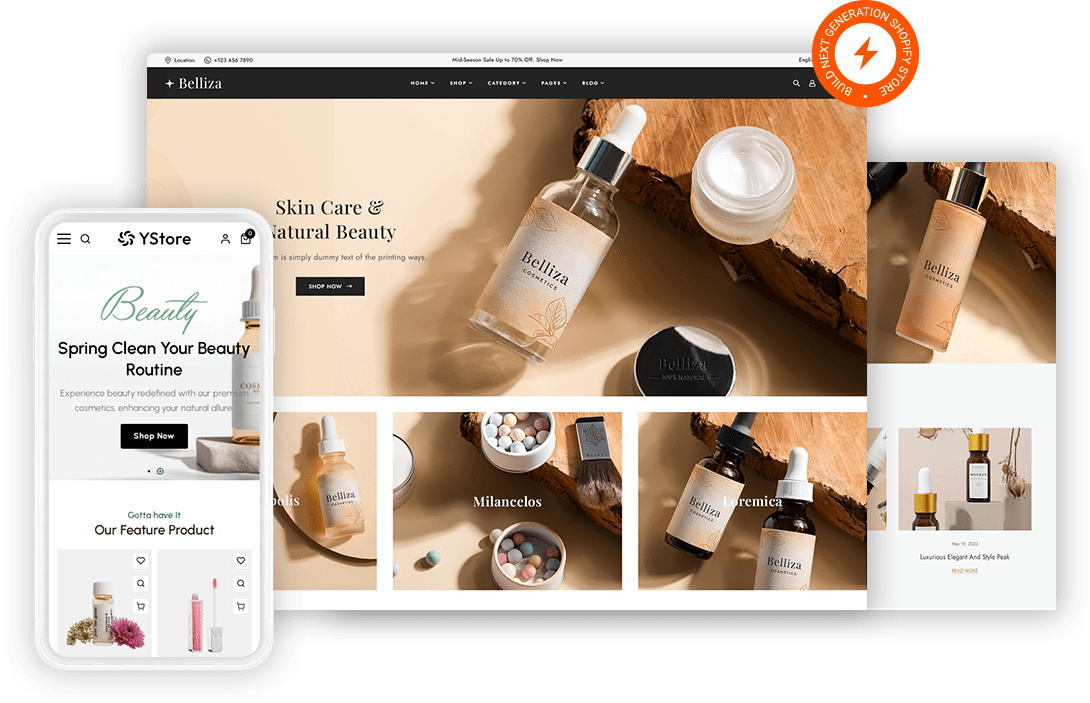
Shade and ingredient questions decide a beauty sale so a shopper needs both answered before they reach checkout. Fast Themes cosmetic Shopify themes put swatch selection, ingredient panels and routine bundles on the product page. Both themes ship a cosmetic demo you import in one step.
 Shade swatch selectors on every product
- Ingredient panels that expand on tap
- Routine bundle blocks to raise order value
- Tutorial video sections for demonstration

What is a cosmetic Shopify theme?
Shade matching separates a cosmetic Shopify theme from a general retail theme. Fast Themes cosmetic themes import a demo built around swatch selectors, ingredient panels and routine bundles rather than a plain product grid. Both themes run on Shopify Online Store 2.0 and leave your existing products untouched during import.
How the cosmetic demo works
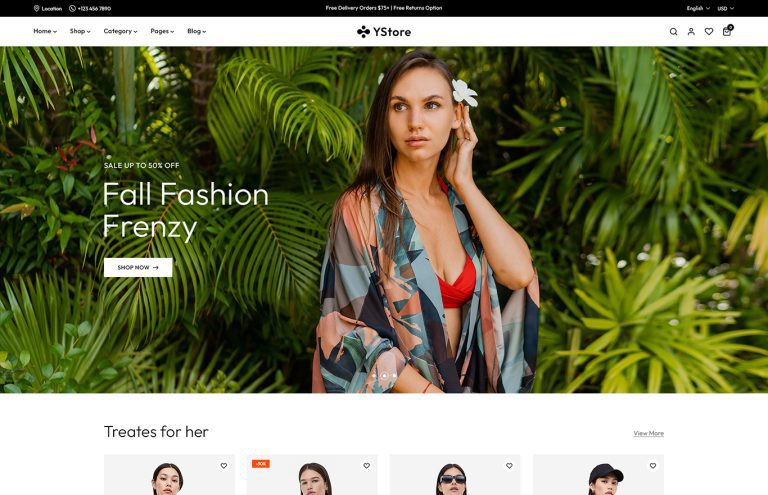
Belliza and YStore are multipurpose themes that each include a cosmetic demo. Importing that demo changes the storefront design only so products and pages already in your Shopify store stay as they are. One purchase unlocks every demo the theme ships with rather than a single layout.
What features does a beauty store need in a Shopify theme?
Shade selection drives the returns rate. A foundation bought in the wrong tone comes straight back so the swatch selector has to show real color rather than a name. Swatch images tied to each variant let a shopper compare tones side by side.
Ingredients answer the second question. Shoppers with sensitive skin scan a full list before they buy anything. An ingredient panel on the product page keeps that list structured instead of buried in a description.
Routines sell more than single products. A cleanser leads to a serum and a moisturizer so bundle blocks raise order value naturally. Product templates leave room for a routine selector beside the standard add to cart button.
Proof comes from demonstration in beauty. Tutorial video and before and after imagery do more than a product shot alone. Video blocks give that content somewhere structured to sit.
Who should use a cosmetic Shopify theme?
Skincare brands selling a routine range get the closest fit. Color cosmetics labels lean on the swatch selectors for foundation and lipstick shades. Indie and clean beauty makers use the ingredient panels for certification detail. Fragrance and haircare sellers share the same bundle and video structure.
Cosmetic Shopify themes vs selling through social shops alone
A social shop puts your product in front of people who are already scrolling. Your own store carries the ingredient detail and shade guidance that a short video has no room for. Most beauty brands run both because social drives discovery while the store answers the questions that close the sale. Compare the wider set of Shopify themes for other product ranges if your range extends beyond beauty.
How to set up a cosmetic Shopify theme
Photograph your swatches before anything else because shade accuracy is the hardest part to fix later.
- Download the files. Download the theme zip from your Fast Themes account after purchase.
- Open the theme library. Open Online Store then Themes in the Shopify admin.
- Upload and publish. Upload the zip under Add theme then publish when processing completes.
- Import the cosmetic demo. Choose the cosmetic demo during import which changes the design without touching your products.
- Build your shades. Add swatch images to each shade variant then build your ingredient panels on the product template.
Frequently asked questions about cosmetic Shopify themes
A cosmetic Shopify theme from Fast Themes suits skincare brands, color cosmetics labels and indie beauty makers. Belliza leans toward a clean editorial presentation for smaller curated ranges. YStore carries mega menus and filters for wider catalogs.
You get a cosmetic specific design. Both themes are multipurpose but each ships a cosmetic demo that imports as a complete layout. Swatch selectors and ingredient panel templates arrive built rather than needing assembly.
No. The demo import changes the storefront design only. Products, collections and pages already in your Shopify store are left exactly as they were.
Yes. Each shade is set up as a product variant with its own swatch image. Shoppers tap a swatch and the gallery updates to the matching photos without a page reload.
Yes. Ingredient lists can be added as a product metafield or a dedicated template block. Long lists collapse into an expandable panel so the product page stays readable.
No. Layout and typography are handled in the Shopify theme editor. Swatch images attach to variants in the product admin rather than through template edits.
Yes. Both themes adapt to phones and tablets. Swatch rows scroll horizontally on small screens so a wide shade range stays browsable with one thumb.