


Drone Shopify Theme
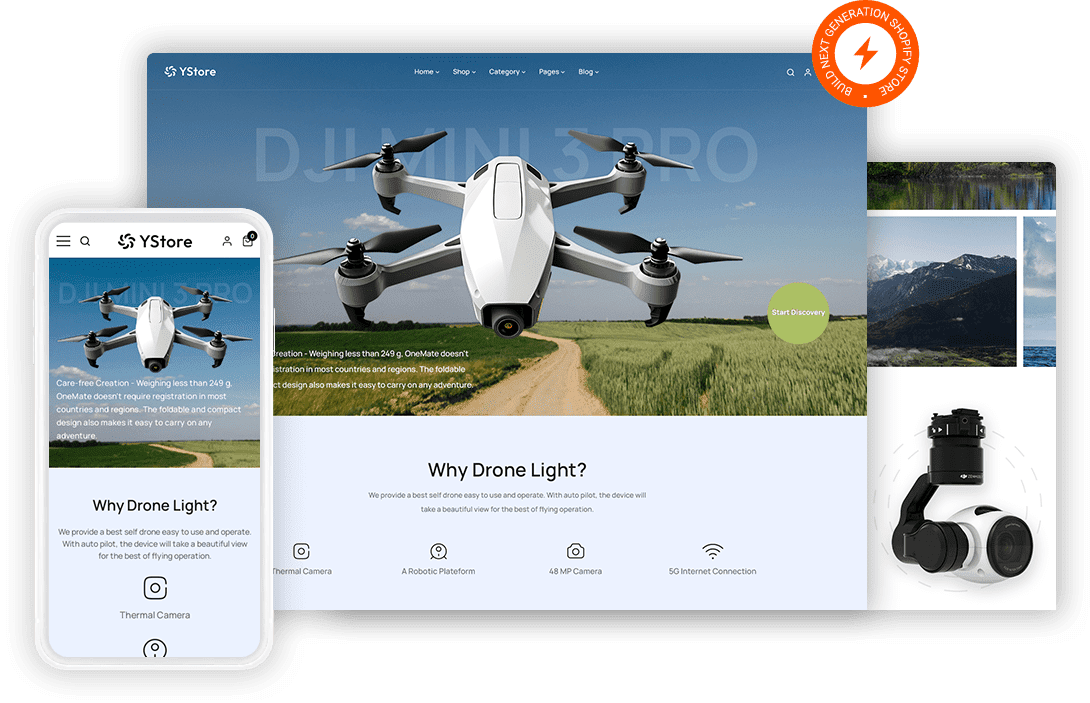
Drone buyers compare flight time and camera specs across three tabs before they commit. Fast Themes drone Shopify themes put those numbers in a structured spec block alongside sample footage. The theme ships a drone demo you import in one step.
 Spec blocks for flight time, range and resolution
- Sample footage sections above the buy button
- Accessory bundles for batteries and propellers
- Model comparison layout across your range
What is a drone Shopify theme?
Specification depth separates a drone Shopify theme from a general gadget theme. Fast Themes drone themes import a demo built around spec tables, sample footage blocks and accessory bundles rather than a plain product grid. The theme runs on Shopify Online Store 2.0 and leaves your existing products untouched during import.
How the drone demo works
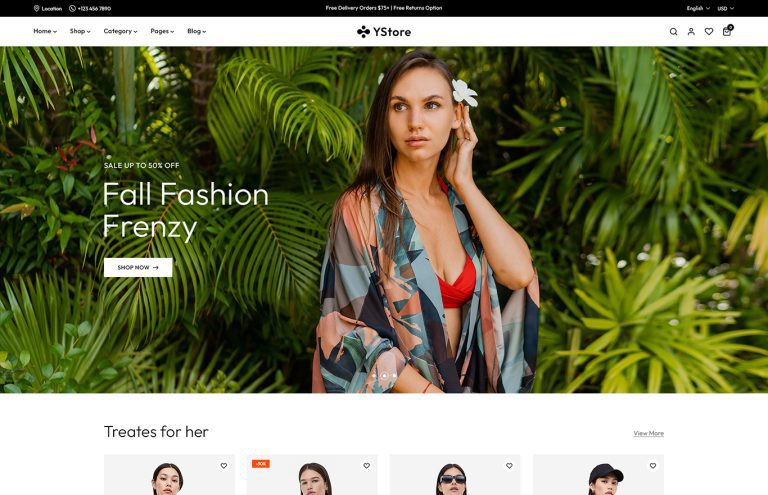
YStore is a multipurpose theme that includes a drone demo. Importing that demo changes the storefront design only so products and pages already in your Shopify store stay as they are. One purchase unlocks every demo the theme ships with rather than a single layout.
What features does a drone store need in a Shopify theme?
Specs decide the purchase. Flight time and range and camera resolution are the three numbers a buyer checks first. A structured spec block puts them in the same place on every product so two models can be compared quickly.
Footage proves the camera. No spec sheet convinces a buyer the way sample video does. Video sections give that footage somewhere to sit above the buy button rather than on a separate page.
Accessories carry the margin. Spare batteries and propellers and carry cases follow almost every drone sale. Bundle blocks on the product template raise order value without a separate upsell app.
Weight matters more than buyers expect. Aviation authorities in many countries set registration thresholds by weight so the figure belongs in your spec block. Listing it plainly saves a support email and builds trust at the same time.
Who should use a drone Shopify theme?
Drone brands selling direct to pilots get the closest fit. Camera and gimbal makers use the same spec and footage structure for their own hardware. Hobby retailers carrying several brands lean on the comparison layout. Enterprise and survey equipment sellers share the need for deep specification detail.
Drone Shopify themes vs a page builder app
A page builder app lets you assemble one landing page quickly and charges a monthly fee to keep it. A theme covers the whole storefront including collection and product pages for a single payment. Page builders make sense while you are testing an idea and stop making sense once you have a catalog. Compare the wider set of Shopify themes for other gadget and retail stores if you sell beyond drones.
How to set up a drone Shopify theme
Gather your spec sheet and sample footage first because the theme is quicker to set up than the content.
- Download the files. Download the theme zip from your Fast Themes account after purchase.
- Open the theme library. Open Online Store then Themes in the Shopify admin.
- Upload and publish. Upload the zip under Add theme then publish when processing completes.
- Import the drone demo. Choose the drone demo during import which changes the design without touching your products.
- Add your specs. Add your flight time and camera specifications to each product then upload your sample footage.
Frequently asked questions about drone Shopify themes
A drone Shopify theme from Fast Themes suits drone brands, camera makers and hobby retailers. YStore carries the drone demo in this collection alongside a wider demo library. The layout works for any hardware brand that sells on specifications.
You get a drone specific design. YStore is multipurpose but it ships a drone demo that imports as a complete layout. Spec block and footage section templates arrive built rather than needing assembly.
No. The demo import changes the storefront design only. Products, collections and pages already in your Shopify store are left exactly as they were.
Yes. Flight time, range and camera resolution can be added as product specifications in Shopify. The theme renders them as a structured block so two models line up for comparison.
Yes. Video sections sit within the product template. Sample footage can play above the buy button where it does the most work.
No. Layout and typography are handled in the Shopify theme editor. Spec fields are managed in the product admin rather than through template edits.
Yes. The theme adapts to phones and tablets. Spec tables scroll horizontally on small screens so a long comparison row stays readable.