


Single Product Shopify Theme
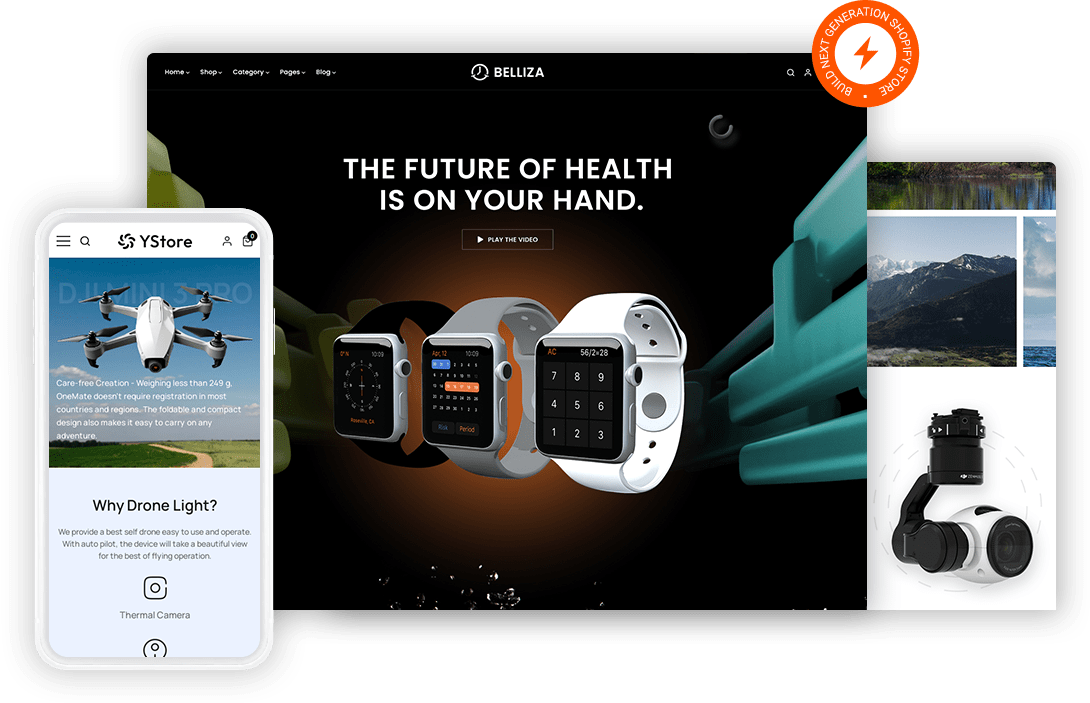
One product stores live or die on a single page so every objection has to be answered before the visitor scrolls past the fold. Fast Themes single product Shopify themes lay out a long form page with demo blocks, specification detail and review sections in sequence. Both themes ship a demo you import in one step.
 Long form landing page in place of a catalog
- Sticky add to cart on every scroll position
- Review and video blocks for social proof
- Sections you can reorder to test sequence

What is a single product Shopify theme?
Focus is what separates a single product Shopify theme from a catalog theme. Fast Themes single product themes build the storefront around one long landing page rather than a grid of collections. Both themes run on Shopify Online Store 2.0 and leave your existing products untouched during import.
How the demo works
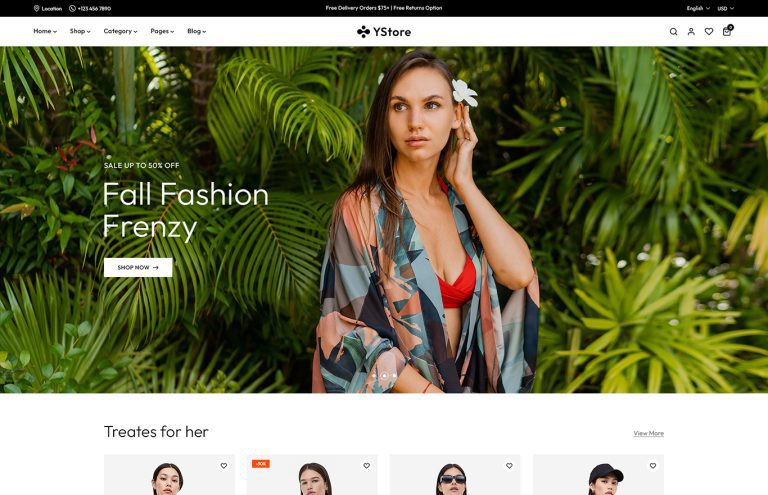
Belliza and YStore are multipurpose themes that each include demos suited to a one product store. Importing a demo changes the storefront design only so products and pages already in your Shopify store stay as they are. One purchase unlocks every demo the theme ships with rather than a single layout.
What features does a one product store need in a Shopify theme?
A catalog theme sends the visitor to browse. A single product theme has nowhere to send them so the page itself has to carry the whole argument.
Sequence matters more than navigation. A visitor who lands on a one product store reads top to bottom rather than hunting through a menu. Section order becomes the main lever you have because moving proof higher can change conversion more than any redesign.
Objection handling replaces category filtering. Shipping terms, return windows and warranty detail all have to sit on the same page as the buy button. Sticky add to cart keeps that button reachable however far the visitor scrolls.
Proof does the closing work. A shopper with no other products to compare against leans harder on reviews and demonstration. Video blocks and review sections give that evidence somewhere structured to live.
Who should use a single product Shopify theme?
Brands launching a flagship product get the closest fit. Crowdfunding projects moving to direct sales use the same long page structure they already built for the campaign. Subscription boxes selling one recurring item lean on the sticky cart. Course and digital product sellers share the layout even without physical shipping.
Single product Shopify themes vs a marketplace listing
A marketplace listing puts your product beside competitors and sorts the page by price. Your own single product store controls the sequence so the story lands before the number does. Most founders start on a marketplace then move to a direct store once the product proves itself. Compare the wider range of Shopify themes for multi product stores if your catalog grows past one item.
How to set up a single product Shopify theme
Plan the page order before you touch the theme because sequence is the real work here.
- Download the files. Download the theme zip from your Fast Themes account after purchase.
- Open the theme library. Open Online Store then Themes in the Shopify admin.
- Upload and publish. Upload the zip under Add theme then publish when processing completes.
- Import a demo. Choose a demo during import which changes the design without touching your products.
- Order your sections. Order your page sections so the strongest proof sits above the first buy button.
Frequently asked questions about single product Shopify themes
A single product Shopify theme from Fast Themes suits product launches, crowdfunding follow ups and subscription boxes. Belliza leans toward a clean editorial page for premium positioning. YStore carries more section variety for stores that expect to add products later.
You get a single product layout. Both themes are multipurpose but each ships demos that work as a one product landing page. Long form sections and sticky cart templates arrive built rather than needing assembly.
No. The demo import changes the storefront design only. Products, collections and pages already in your Shopify store are left exactly as they were.
Yes. Sticky add to cart keeps the buy button visible as the visitor scrolls. That matters more on a long page than on a short product page because the button would otherwise scroll away early.
Yes. Homepage sections drag into any order in the theme editor. Moving reviews above specifications takes a few seconds so you can test which sequence converts better.
No. Section order and typography are handled in the Shopify theme editor. Adding a second product later needs no code either because the collection templates are already there.
Yes. Both themes adapt to phones and tablets. Long sections stack in the same order they appear on desktop so the argument reaches a phone visitor unchanged.