


Megastore Shopify Theme
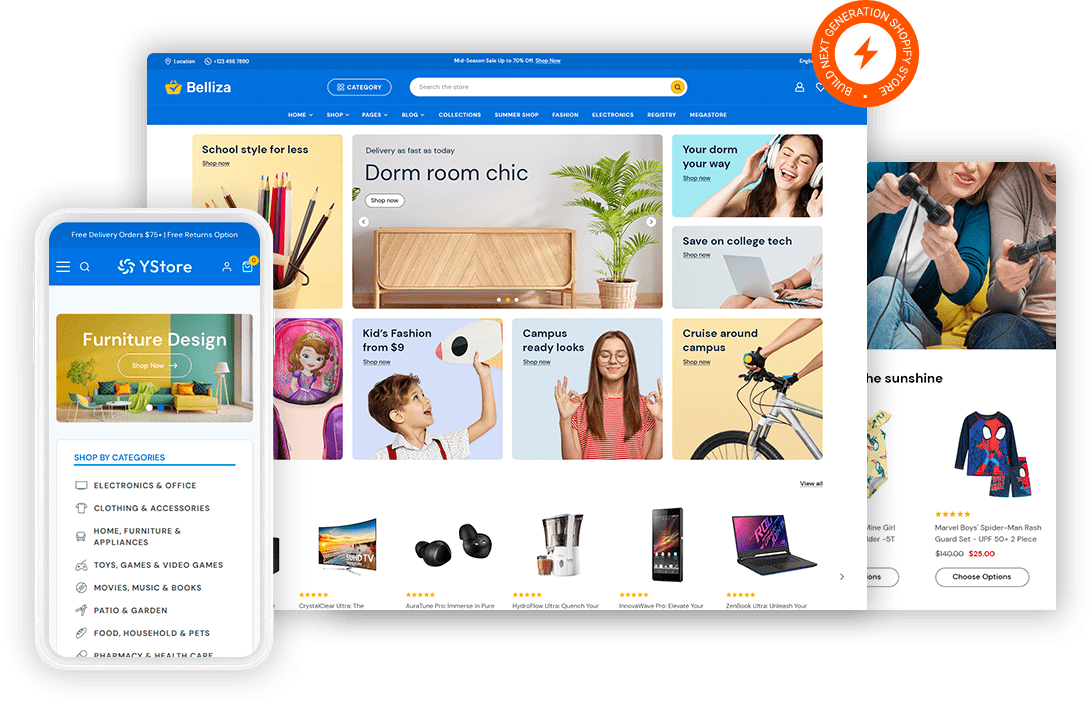
A megastore sells across departments that share nothing except a checkout so navigation carries the whole burden. Fast Themes megastore Shopify themes group unrelated categories under one mega menu without burying anything three clicks deep. Both themes are sold outright with updates included at no extra cost.
 SEO Optimized
- Mega menu that spans every department
- Predictive search across thousands of products
- Layered filters on each category
- Homepage sections you can reorder by season

What is a megastore Shopify theme?
Breadth is what defines a megastore Shopify theme. Fast Themes megastore themes carry a mega menu, layered filters and predictive search so a shopper reaches one product out of thousands across unrelated departments. Both themes run on Shopify Online Store 2.0 and cost a single payment.
What features does a multi category store need in a Shopify theme?
Navigation does the heavy lifting. A store selling groceries, tools and clothing cannot rely on one flat category list. Mega menus split departments into columns so a shopper sees the whole range at a glance.
Search matters more as the catalog grows. Shoppers who already know what they want skip the menu entirely and type. Predictive search with product thumbnails returns the right item before the shopper finishes typing.
Homepage space becomes contested once departments multiply. Every department wants the top banner so the homepage needs rotating sections rather than one fixed hero. Category tiles and featured rows let each department earn placement without a redesign.
Who should use a megastore Shopify theme?
General retailers carrying several unrelated departments get the closest fit. Supermarkets and grocery stores use the same department structure for aisles. Hardware and home improvement sellers benefit from deep filter trees across tools and materials. Smaller shops planning to expand can start narrow and turn on more departments later.
Megastore Shopify themes vs a custom built storefront
A ready theme costs a small fraction of that and runs the same day you upload it. Custom work earns its price when your merchandising rules are genuinely unusual. Most multi department stores are not unusual so a theme covers them. Compare the niche specific Shopify themes if one department dominates your sales.
How to set up a megastore Shopify theme
Budget most of your time for category setup rather than the theme install.
- Download the files. Log in to Fast Themes and grab the theme zip from your downloads.
- Open the theme library. Inside Shopify admin open Online Store and then Themes.
- Upload and publish. Choose Add theme then upload the zip and publish after processing.
- Import the megastore demo. Choose the megastore demo during import which changes the design without touching your products.
- Build the departments. Create your department structure in Shopify collections then map each one to a mega menu column.
Frequently asked questions about megastore Shopify themes
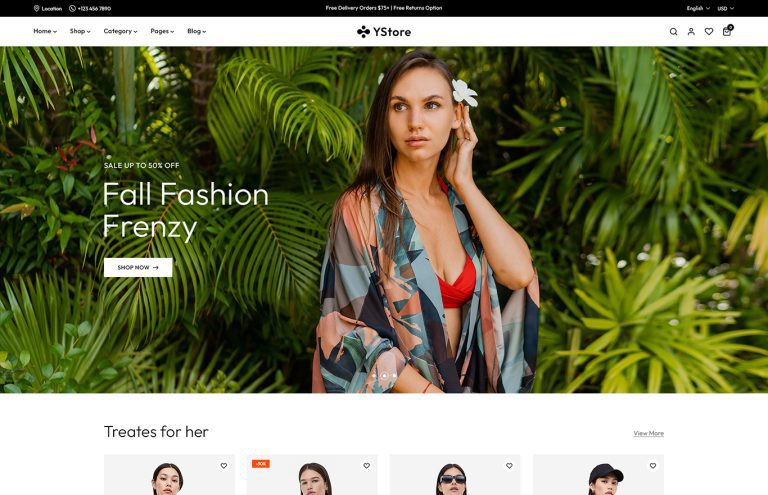
A megastore Shopify theme from Fast Themes suits general retailers, supermarkets and hardware stores. Both themes in this collection carry a mega menu and layered filters. YStore leans toward apparel heavy catalogs while Belliza handles mixed departments.
Yes. Shopify itself has no practical product limit for a store this size. The theme layer matters more because filters and predictive search decide whether a shopper finds anything.
Yes. A mega menu ships with both themes in this collection. Departments are set as columns so a shopper sees every category without opening a submenu.
Yes. Promotional banners and pop ups are managed as theme sections. Seasonal campaigns can be scheduled to a department rather than the whole store.
Yes. Both themes adapt to phones and tablets. The mega menu collapses into a slide out drawer on small screens so deep department trees stay reachable.
Current pricing for both themes is shown on the product cards above. Each one is a single purchase with no subscription. Lifetime updates and documentation access are included.
Yes. Department order and homepage sections are all managed in the Shopify theme editor. Drag sections into place so a seasonal department moves to the top without touching code.
You get a megastore specific design. Both themes are multipurpose but each ships a megastore demo that imports as a complete layout. Department tiles and mega menu columns arrive structured rather than empty.