


Organic Shopify Theme
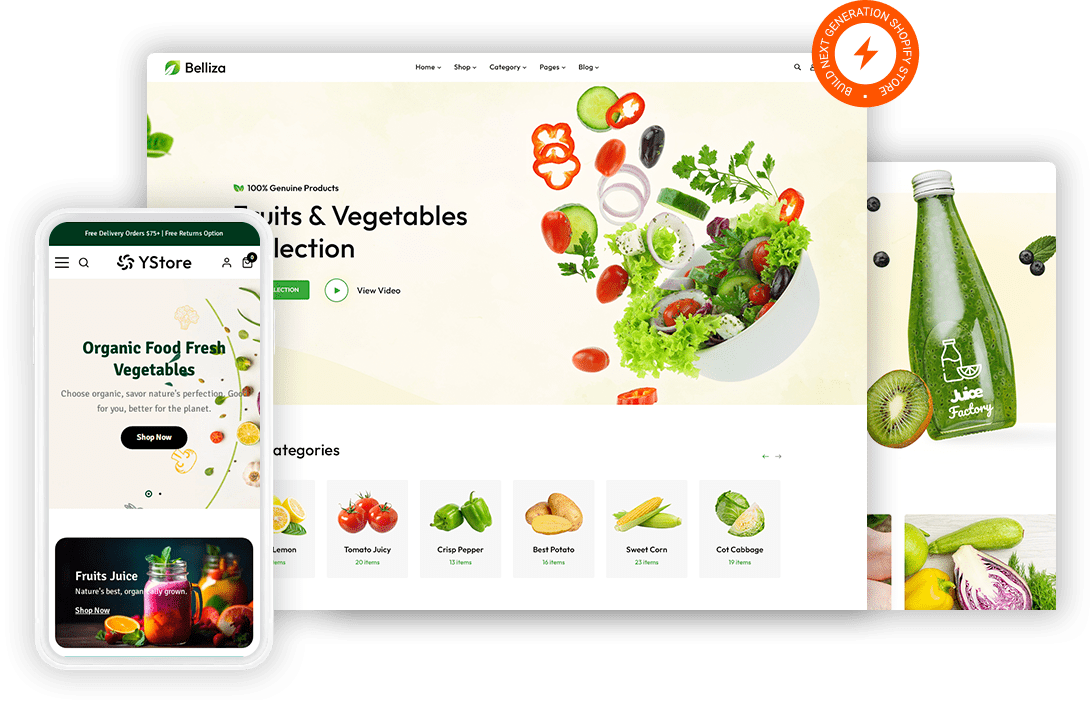
Organic shoppers read labels before they buy so a product page has to carry sourcing detail a supermarket listing never bothers with. Fast Themes organic Shopify themes give certification badges, ingredient panels and origin notes a place on the page. Both themes ship an organic demo you import in one step.
 Organic demo you import in one step
- Certification badges near the buy button
- Ingredient and sourcing panels on product pages
- Seasonal homepage sections you can reorder
What is an organic Shopify theme?
Provenance separates an organic Shopify theme from a general grocery theme. Fast Themes organic themes import a demo built around farm sourcing, certification badges and produce photography rather than a generic product grid. Both themes run on Shopify Online Store 2.0 and keep your existing products untouched during import.
How the organic demo works
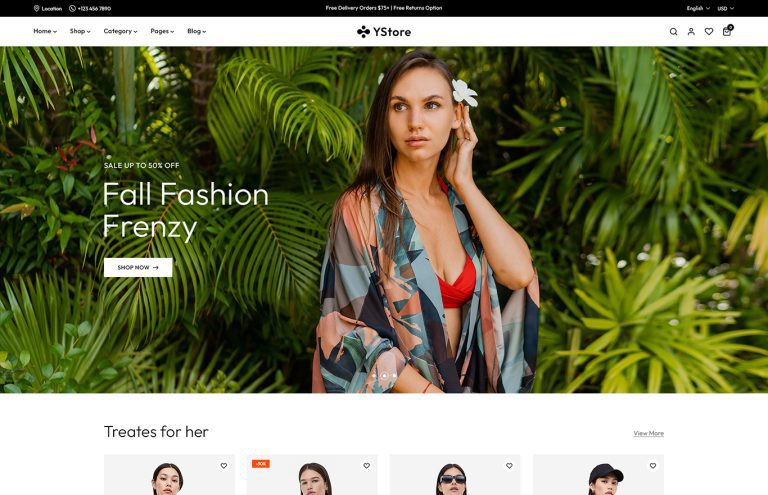
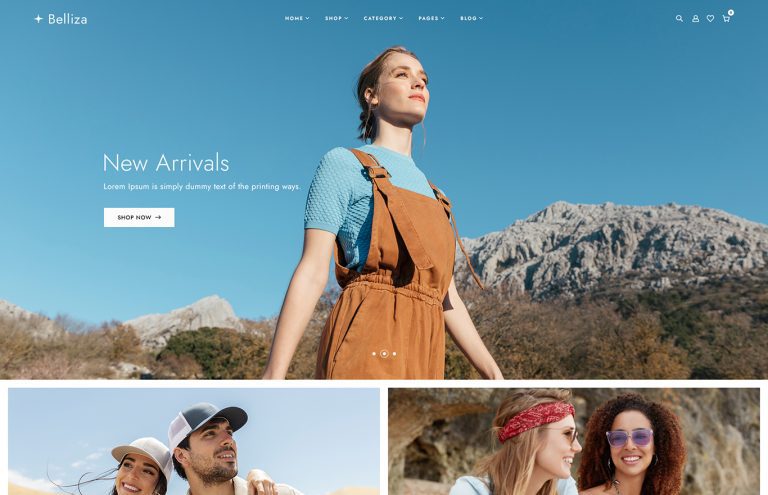
Belliza and YStore are multipurpose themes that each include an organic demo. Importing that demo changes the storefront design only so any products and pages already in your Shopify store stay exactly as they are. One purchase unlocks every demo the theme ships with rather than a single layout.
What features does an organic store need in a Shopify theme?
Trust is the whole sale in organic retail. A shopper choosing organic is paying more on purpose so the page has to justify the difference. Certification badges and farm sourcing notes near the buy button do that better than a paragraph further down.
Freshness changes how you merchandise. Produce sells in seasons and stock turns over faster than in most categories. Homepage sections you can reorder let a seasonal harvest take the top spot without rebuilding the page.
Subscriptions matter more here than in most retail. Weekly vegetable boxes and monthly coffee deliveries carry the repeat revenue for many organic stores. Product templates leave room for a subscription selector beside the standard add to cart button.
Who should use an organic Shopify theme?
Farm shops and produce sellers running a weekly box get the closest fit. Health food stores carrying supplements and pantry goods use the same ingredient panel structure. Specialty coffee and tea roasters lean on the origin notes for single estate lots. Natural beauty brands selling soap or skincare share the certification and ingredient needs.
Organic Shopify themes vs selling at a farmers market alone
A farmers market reaches the people who already walk past your stall. An online store reaches the ones who never will and it keeps selling on the days you are not trading. Most growers run both because the market builds the relationship while the store handles the repeat orders. Compare the full range of Shopify themes across other store types if you sell beyond food.
How to set up an organic Shopify theme
Set aside time for photography because produce shots date faster than product shots.
- Download the files. Download the theme zip from your Fast Themes account after purchase.
- Open the theme library. Open Online Store then Themes inside the Shopify admin.
- Upload and publish. Upload the zip under Add theme then publish once it finishes processing.
- Import the organic demo. Choose the organic demo during import which changes the design without touching your products.
- Add your sourcing detail. Add your certification badges and sourcing notes to each product template.
Frequently asked questions about organic Shopify themes
An organic Shopify theme from Fast Themes suits farm shops, health food stores and natural beauty brands. Belliza leans toward a clean editorial presentation for smaller curated ranges. YStore carries mega menus and filters for stores with a wider pantry catalog.
You get an organic specific design. Both themes are multipurpose but each ships an organic demo that imports as a complete layout. Sourcing sections and produce ready product templates arrive built rather than needing assembly.
No. The demo import changes the storefront design only. Products, collections and pages already in your Shopify store are left exactly as they were.
Yes. Certification badges can be added as image blocks or product metafields. Both approaches put the badge near the buy button where a shopper checks before adding to cart.
Yes. Subscription selling runs through a Shopify subscription app. The product template leaves room for the selector so a weekly box sits beside the one off purchase option.
Yes. Both themes adapt to phones and tablets. Ingredient panels collapse into an expandable block on small screens so a long label stays readable without pinching.
No. Layout and typography are handled in the Shopify theme editor. Homepage sections drag into a new order so a seasonal range moves up without any code.